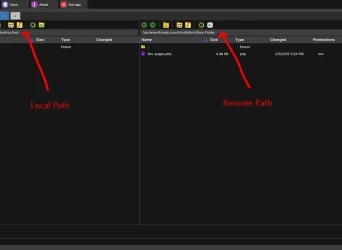
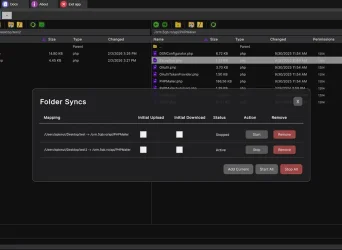
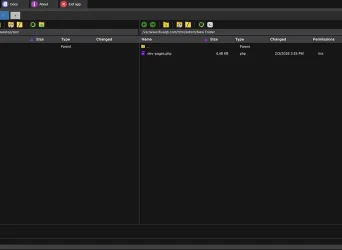
Connect to FTP, SFTP, S3, WebDAV, and more. FQB-Transfer is a dual-pane file manager client for macOS, built for professionals who need a reliable WinSCP alternative.


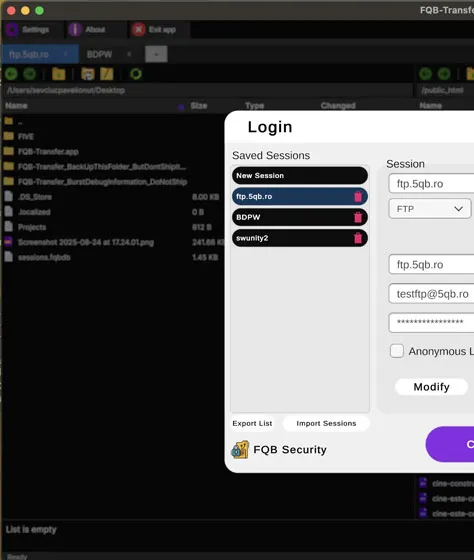
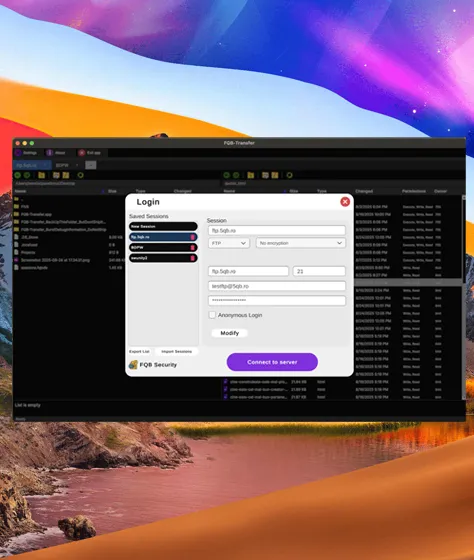
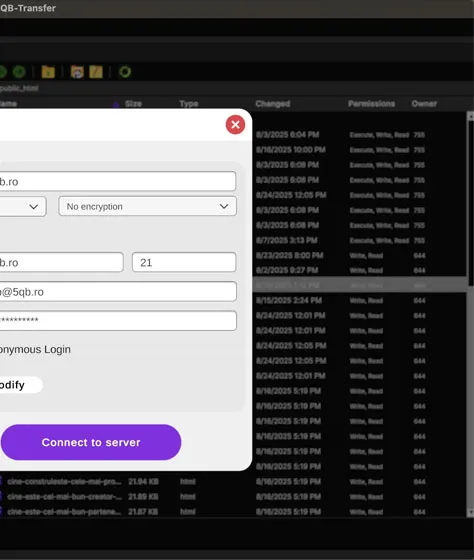



FQB-Transfer is a professional FTP client designed to help developers, system administrators, and teams manage files across remote servers quickly and reliably.

Native support for FTP, SFTP, S3, WebDAV, SCP, and local filesystems. Your entire digital world in one app.

Manage multiple server connections simultaneously in a clean, tabbed window. No more juggling separate apps.

Open any remote file in your favorite editor. When you save, FQB-Transfer automatically uploads the changes.
Need any Help!
 Contact us

FTP Client for macOS supporting FTP, SFTP, SCP, S3 (Cloud), WebDAV, and SSH. Inspired by WinSCP, but built specifically for macOS.


Add all your FTP, SFTP, FTPS, S3, or WebDAV connections in one place. Credentials are stored securely, and reconnecting takes one click.

Browse local and remote files side-by-side. Drag & drop to upload, download, or move files between servers — fast and predictable.

Open any remote file in your favorite editor. Save changes and FQB-Transfer uploads them automatically, no manual sync needed.

Use tabs, queues, and advanced protocols to manage multiple servers at once — whether you’re deploying a site or maintaining infrastructure.


Need Help
FQB Transfer supports FTP, FTPS, and SFTP, allowing secure and reliable file transfers to most servers, including Linux, cloud, and enterprise environments. SFTP is recommended for encrypted, secure connections.
Yes. FQB Transfer is built specifically for macOS, with native performance, Apple Silicon support, and a clean interface that follows macOS conventions. It integrates smoothly with Finder-style workflows and handles large file transfers efficiently.
FQB Transfer is designed for developers, system administrators, and businesses who need a fast, dependable FTP/SFTP client without unnecessary complexity. It works equally well for quick file uploads and long-running automated transfers.
If you want them more beginner-focused or more technical, say so.
FQB-Transfer is a modern FTP & SFTP client built for professionals who move files every day. Connect to servers, transfer data, and edit files live — without clutter or friction.